Power Dialer

The power dialer that puts your reps in more real conversations

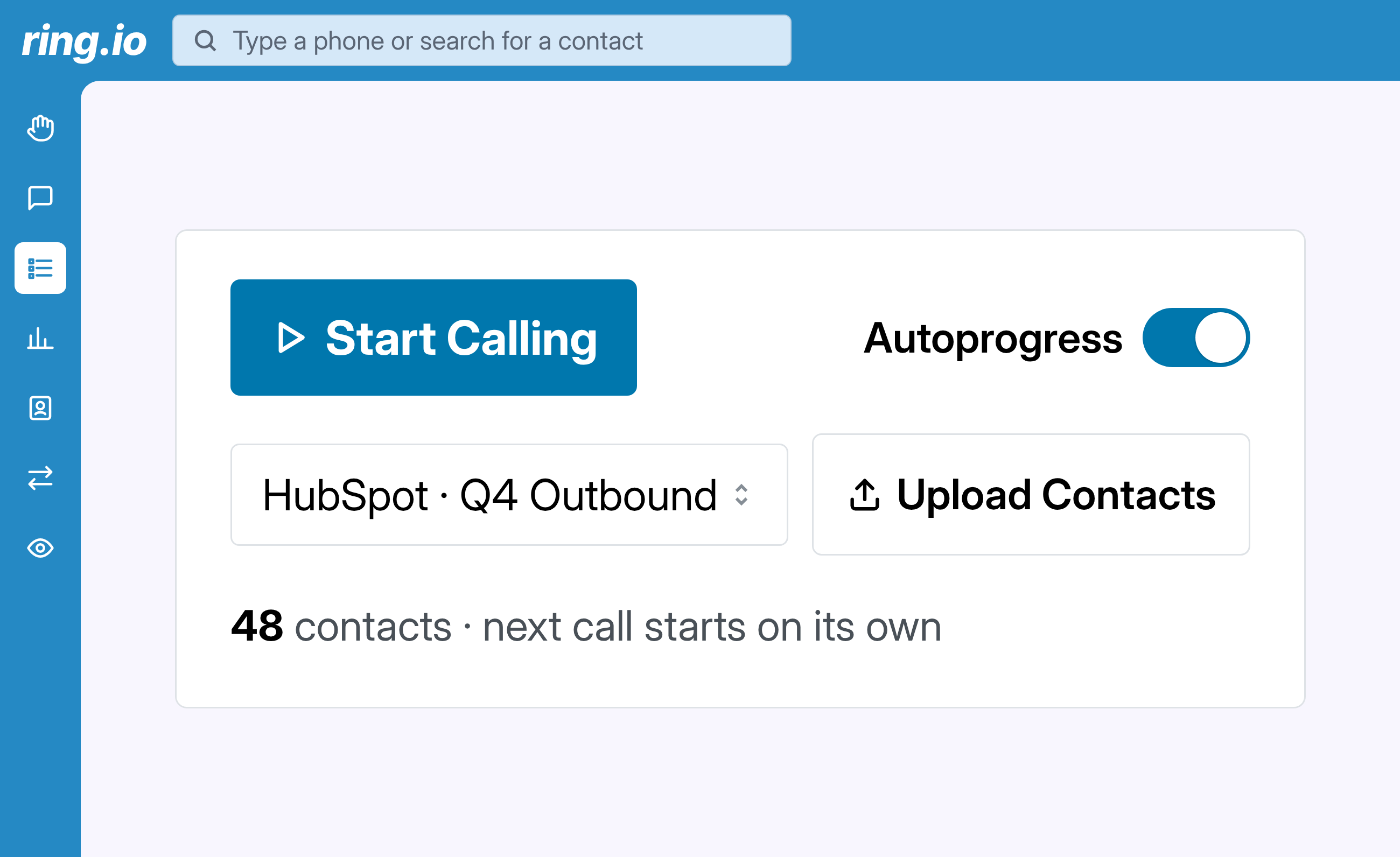
Ring.io calls through your CRM lists one after another, spots when a real person answers, drops voicemail when nobody does and logs every call for you. Your reps spend their day talking, not dialing.
Manual dialing is where your pipeline leaks

A rep dialing by hand spends most of the day on things that aren't selling: finding the next number, waiting through rings, listening to voicemail greetings, typing notes into the CRM. Most dials never reach a person. The ones that do get rushed because the next one is already late. A power dialer takes all of that off the rep. It's the fastest way to turn the same list, the same team and the same hours into more conversations, which is where pipeline comes from.

How the Ring.io power dialer works

  • Pick a list. Choose a list or view from HubSpot, Salesforce, Pipedrive or Zoho, use one from your Lists Library, or upload a CSV.
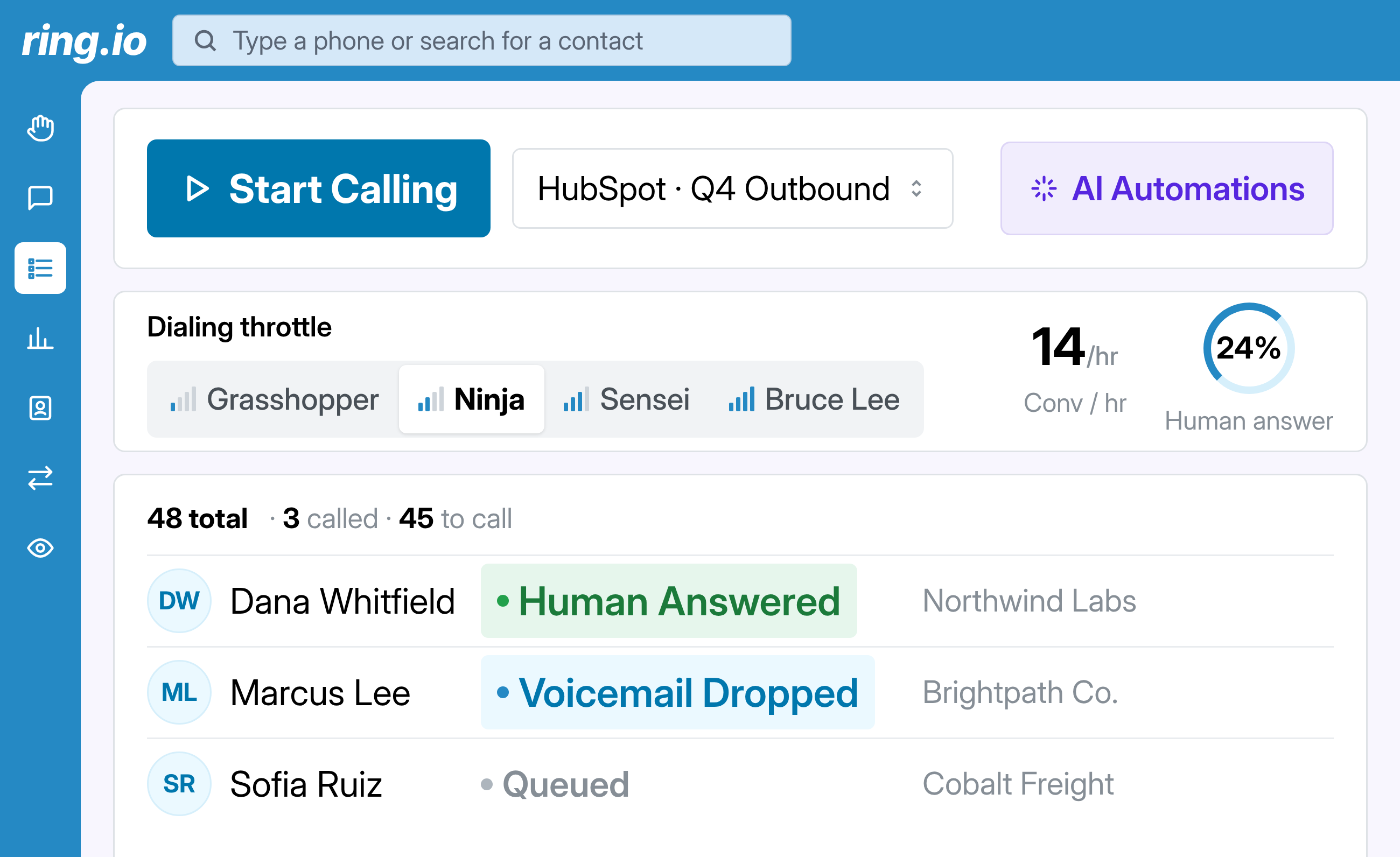
  • Set it up once. Choose your voicemail drop and your follow-up SMS and email. On Growth and Enterprise, pick a dialing pace: Grasshopper, Ninja, Sensei or Bruce Lee. Ring.io adjusts the pace inside the mode you pick.
  • Press start. Ring.io dials, spots who answered and connects your rep to real people. Voicemail and follow-ups go out on their own.
  • Everything is logged. Dispositions, notes and outcomes go to your CRM, and your call analytics update as you dial: human answer rate, business outcomes by rep and who to coach.

benefits

Everything a cold call needs, in one power dialer

From the first ring to the CRM note, without the busywork.

Your list, dialed for you

Pick a list from HubSpot, Salesforce, Pipedrive or Zoho, or upload a CSV, and press start. The next call starts as soon as the last one ends. No clicking, no copying numbers.

Know a real person picked up

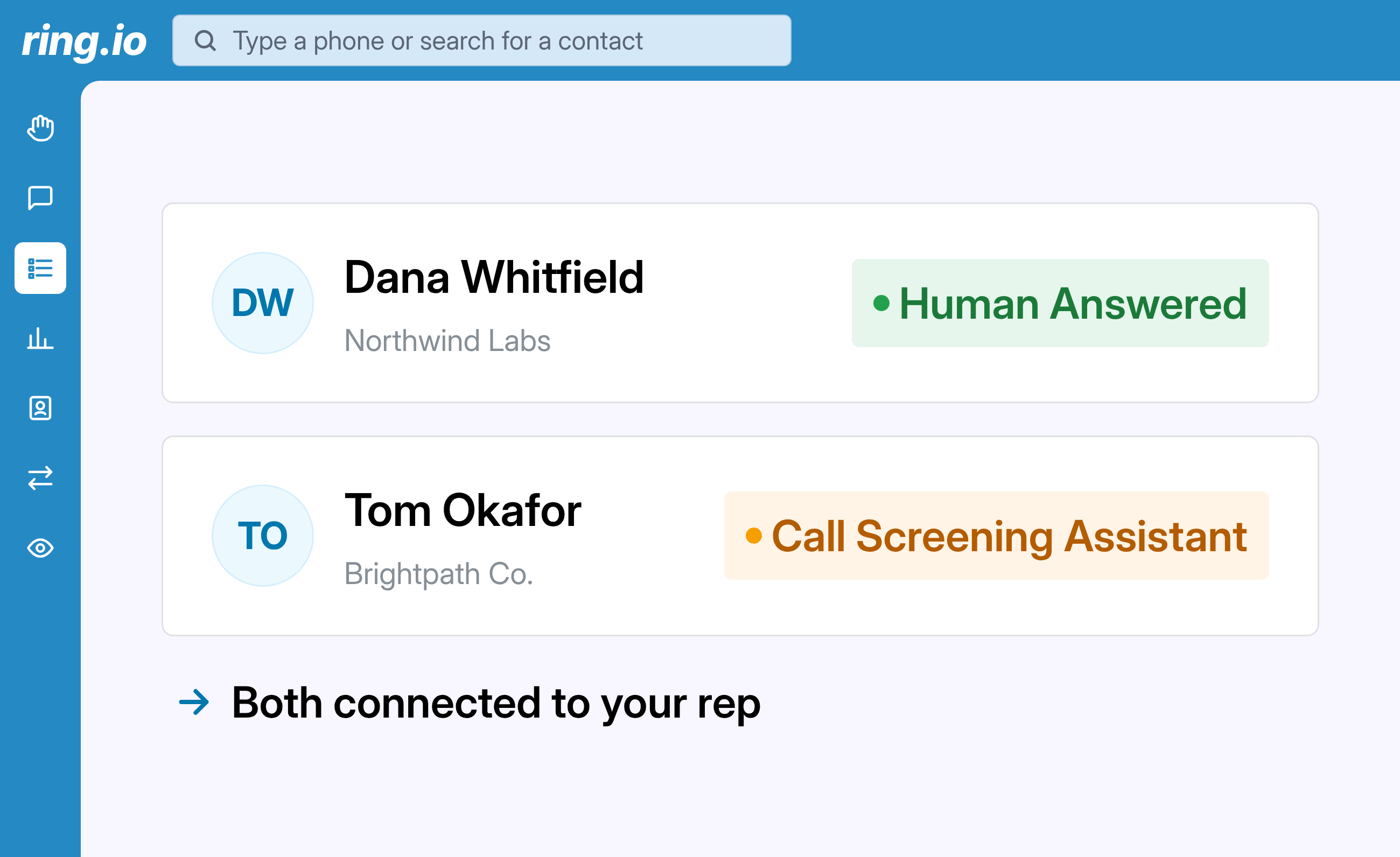
Ring.io tells a person from a voicemail box or an IVR, so your rep only speaks when someone's there. If iOS call screening or Google Voice answers, the rep is connected straight away to talk their way past it. How call screening detection works.

Voicemail and follow-ups without the rep

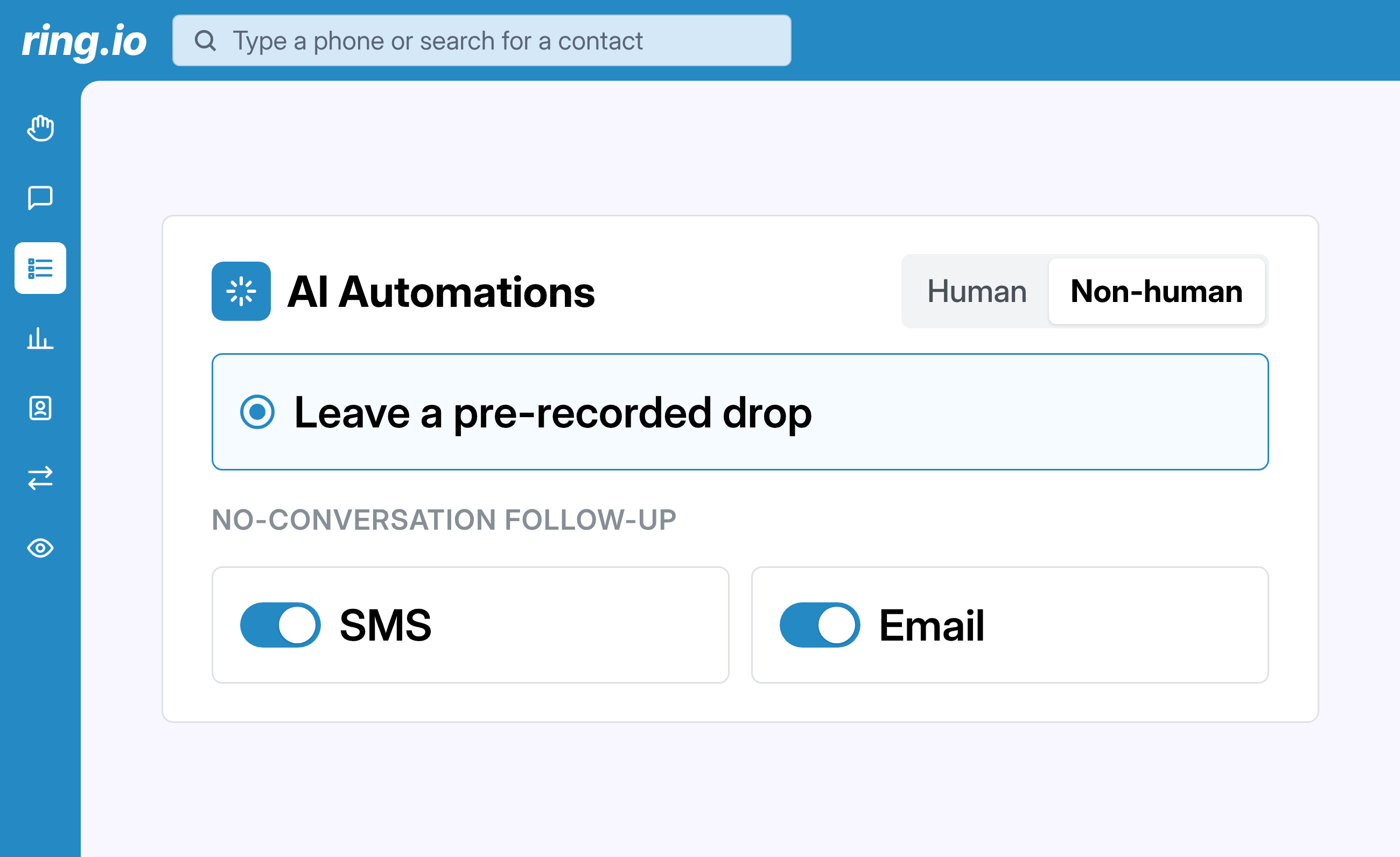
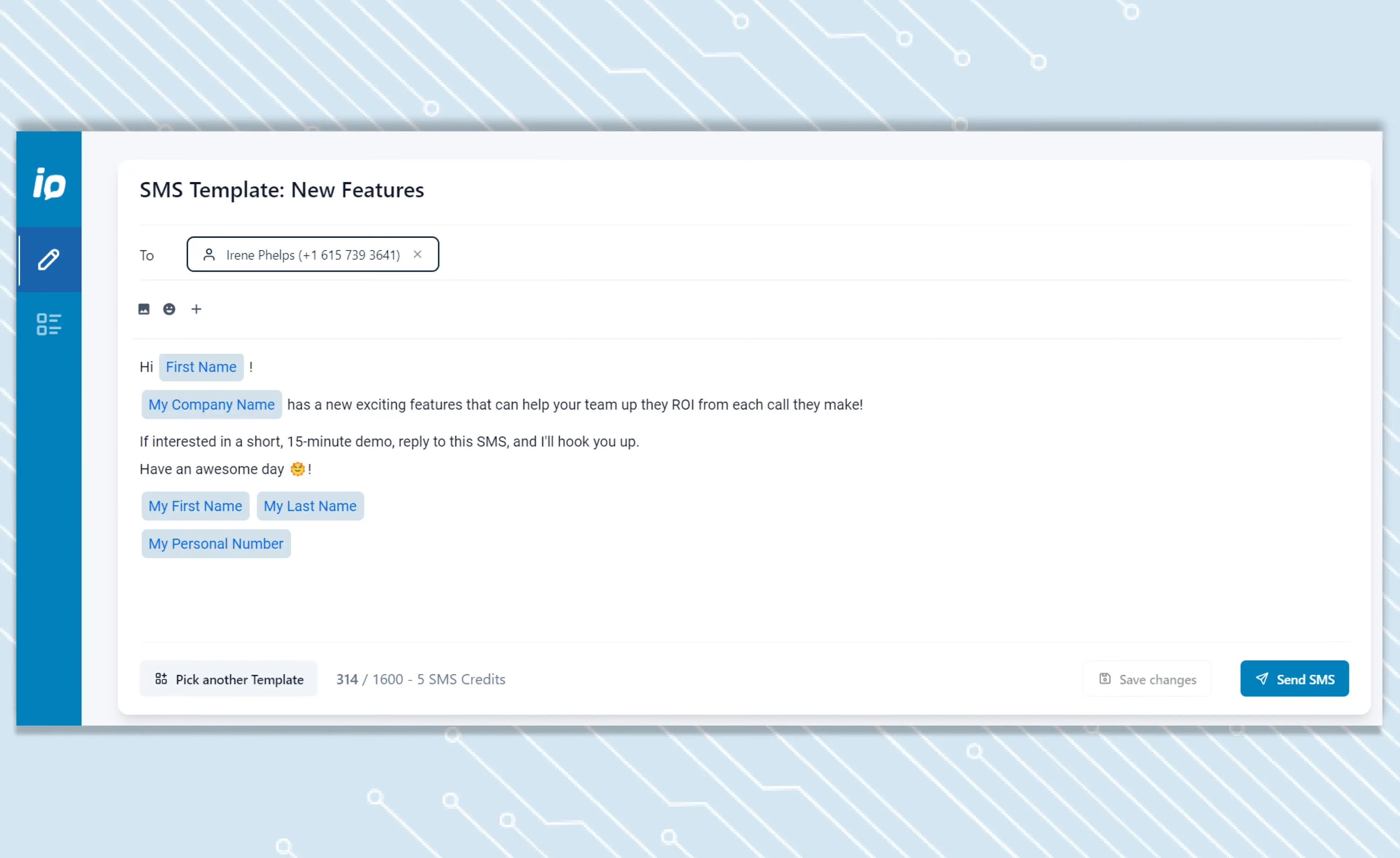
No answer? Ring.io drops a pre-recorded voicemail from your library and can send a follow-up SMS and email. The rep is already on the next call.

Every call logged for you

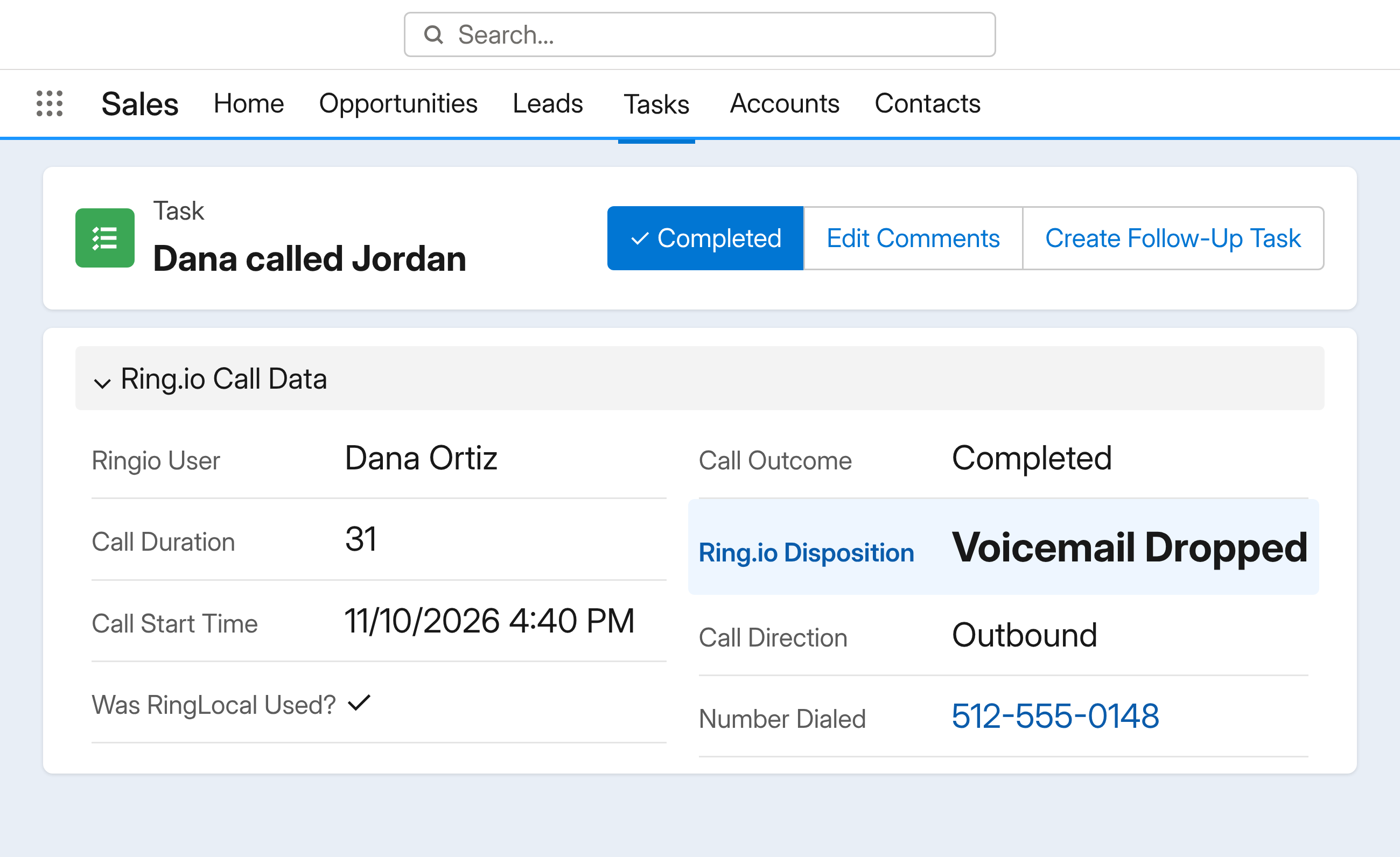
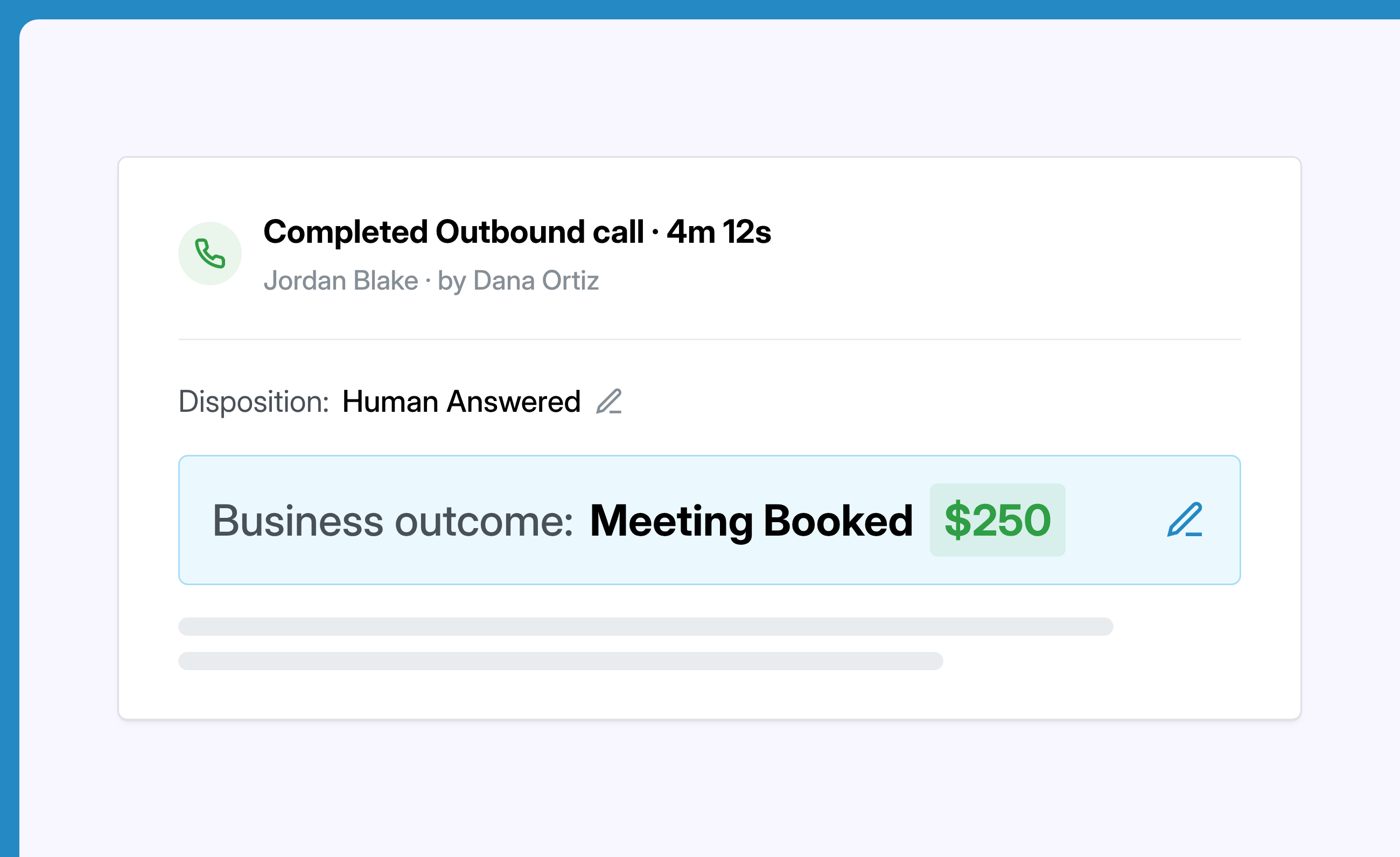
Ring.io sets the disposition, such as voicemail dropped or no answer, and writes it with the call to your CRM. Reps only pick the result when a person answered.

Numbers people actually answer

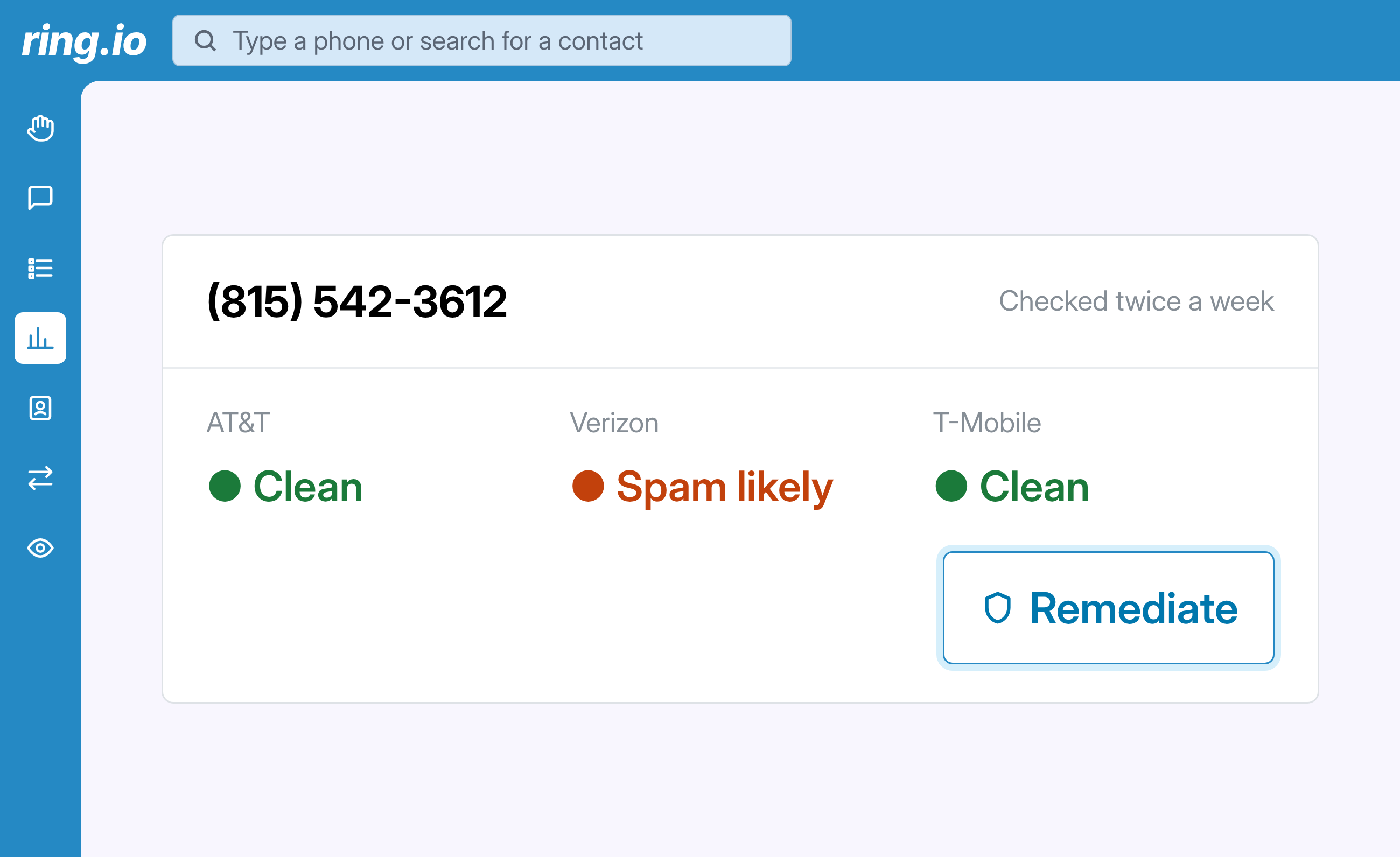
Call from local RingLocal numbers. Ring.io checks them for Spam Likely labels. If one is flagged, our team swaps in a clean number, and calls back to the old one still reach your rep. More on caller ID reputation.

See which calls made money

AI tags the calls that booked a meeting or made a sale, and Ring.io adds the dollar value you set. You see what every hour on the dialer is worth. How business outcome tracking works.

Reach people, not inboxes.

Calls, email and SMS as steps in one sequence, run from inside your CRM. Start free on one rep, or take 21 days free on a team plan.

FAQs

Power Dialer

What is a power dialer?

A power dialer calls through a list of contacts for your reps, one call after another, so they don't dial by hand. Ring.io's power dialer also detects whether a person answered, drops voicemail when nobody did and logs every call to your CRM.

What's the difference between a power dialer, a predictive dialer and a parallel dialer?

A power dialer calls through a list for one rep and waits for the call to end before the next one. A predictive dialer calls many numbers for a whole team and guesses when a rep will be free, so a person who answers can hit silence. A parallel dialer calls several numbers at once for one rep. Ring.io's power dialer lets you choose a pace, and the AI Parallel Dialer adds an AI agent that opens the call.

Is it a good dialer for cold calling?

Yes, it's built for it: fast list calling, voicemail drops, local numbers and spam-label checks, so more cold calls reach a person.

Does it work with HubSpot, Salesforce, Pipedrive and Zoho?

Yes. Dial from your CRM lists and every call is written back automatically. See the HubSpot, Salesforce, Pipedrive and Zoho integrations.

What happens when a call goes to voicemail?

Ring.io detects the voicemail box, drops a pre-recorded message from your library and can send a follow-up SMS and email. The rep moves to the next call.

What happens when a call screener answers?

Ring.io detects iOS call screening and Google Voice call screening and connects your rep straight away, so they can say who they are and why they're calling. See call screening detection.

Do reps still log their calls?

Only when they spoke to someone. Ring.io sets the disposition for everything else, such as voicemail dropped or no answer, and writes it to your CRM.

Can managers see how the team is doing?

Yes. Call analytics show human answer rate, conversations and business outcomes by rep, with no reports to build. See call analytics.

Which features need the Growth plan?

Dialing paces, automatic dispositions and business outcomes are on the Growth and Enterprise plans. See pricing for everything each plan includes.